Upload a video once and choose the networks, the day and the time. NebulaClip posts it to each network in the right format, with captions if you want them and an AI label where one is needed.
Once, not eight times.By hand you open each network's app, upload, write the text and schedule. In NebulaClip you do it once, for all eight.
By hand
32steps
With NebulaClip
5steps
Counted for one video on eight networks. By hand, on each network: open the app, upload the video, add the text, pick the time. In NebulaClip: open it, upload, pick the networks, add the text, pick the time. What a network asks for on top, such as a YouTube title or a Pinterest board, you choose in both cases.
8
networks, each through its official interface.
TikTok
YouTube
Instagram
Facebook
Threads
LinkedIn
Pinterest
Bluesky
We switch on each network as soon as it has approved NebulaClip.
All in one app.In every plan. What comes only with Pro or Team is marked.
CalendarWeeks ahead, every post in one place.
Formats9:16, 4:5, 1:1, 16:9 or 4:3 for each network.
Upload checkAgainst the limits of every network you picked.
CaptionsRecognised automatically, with an editor.
AI labelThe network's own label, or a small mark.
Your musicUnder the video, if you hold the rights.
PreviewIn a phone, with the safe zones.
NotificationsWhen a post is out, fails, or a connection runs out.
StatisticsViews, likes and comments, where a network shares them.
Best timeWorked out from your own posts.In Pro and Team
Seats1 in Solo, 3 in Pro, 5 in Team.
ApprovalPosts wait for an admin's yes, with roles and an activity log.In Team
Captions.Recognised automatically, in German or English. Word by word or as a whole line, in eight styles. Change any line in the editor before it goes into the video.
AI-generated
Show
Style
Spoken word
Colour of the spoken word
Animation
Your own music can go under a post too, if you hold the rights to it.
AI-generated
AI label.Where a network has its own AI label, NebulaClip sets it. Where it has none, a small label goes into the video. On TikTok, nothing is ever burned in.
90
days of statistics in Pro and Team, and the best time to post, worked out from your own posts.
The right format.Each network gets its own shape: 9:16, 4:5, 1:1, 16:9 or 4:3, cropped or with borders. Before anything is scheduled, NebulaClip checks the video against the limits of every network you picked.
9:16Crop
4:5Crop
1:1Crop
16:9Borders
4:3Borders
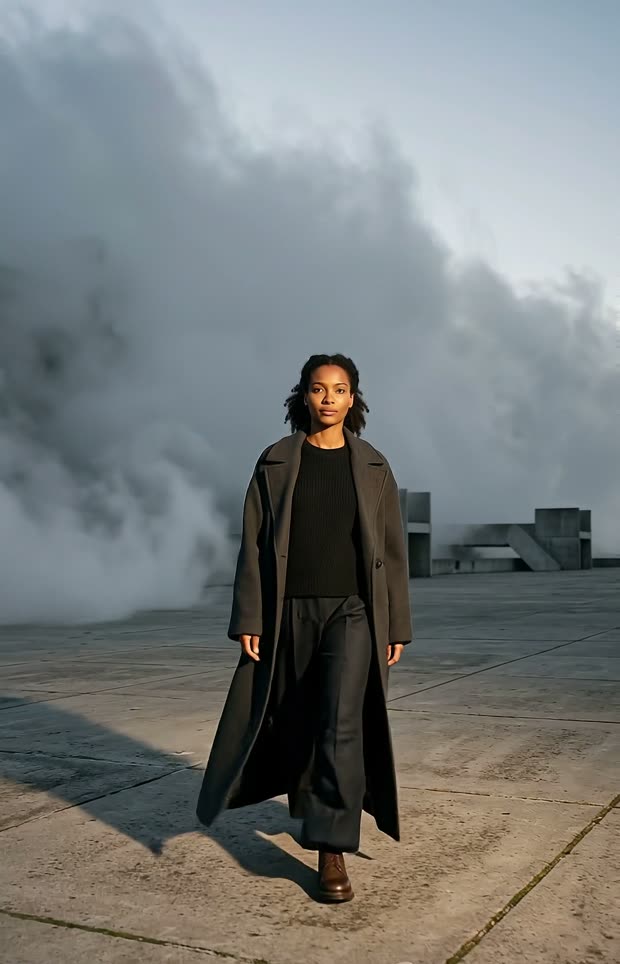
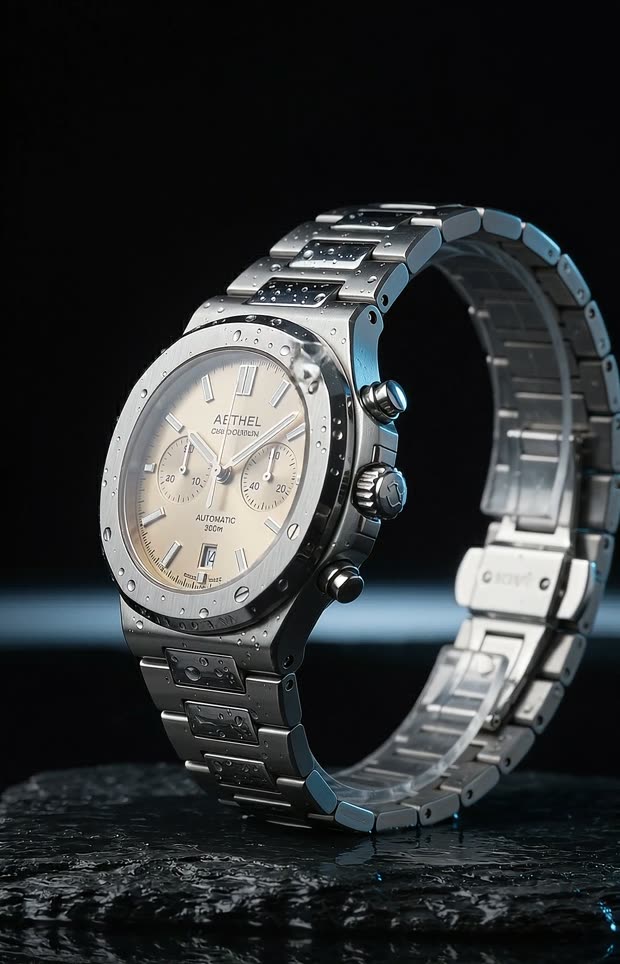
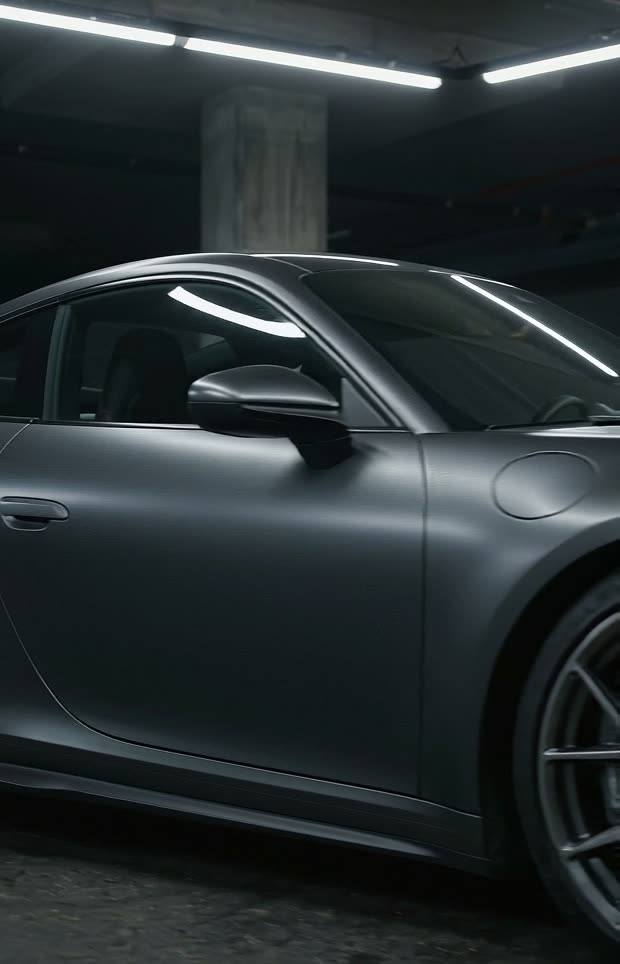
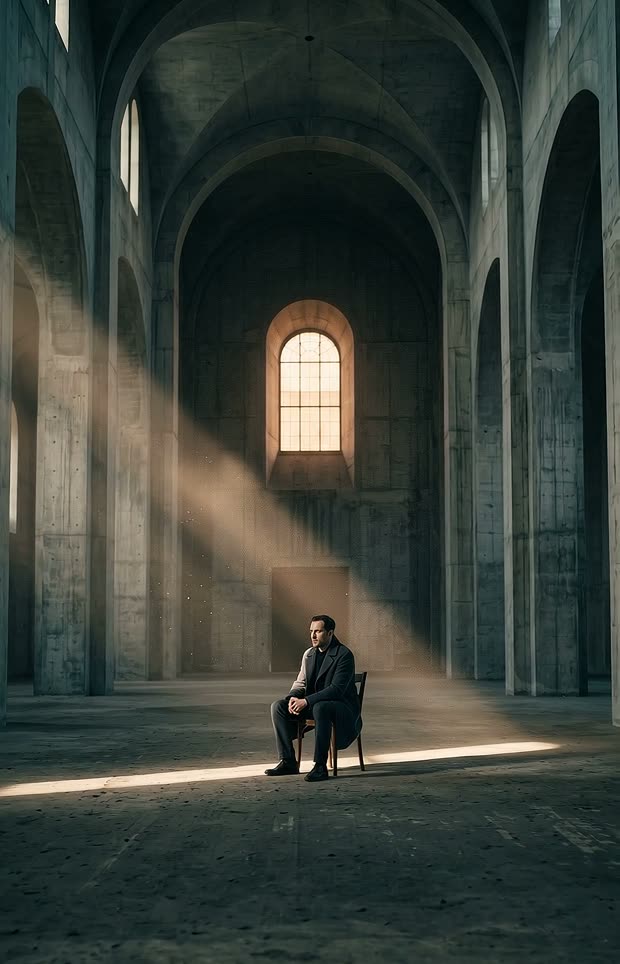
One AI-generated film in five formats.
Calendar.Plan days and weeks ahead and see every post in one place. In Team, posts by editors can wait for an admin's approval.
Mon7:00 PMTikTok, Instagram, YouTubeScheduled
Tue12:30 PMLinkedIn, ThreadsScheduled
Wed7:00 PMInstagram, FacebookWaiting for approval
Thu6:00 PMTikTok, PinterestScheduled
Fri8:30 AMYouTube, BlueskyScheduled
Sat11:00 AMInstagram, ThreadsScheduled
Sun7:00 PMYouTube, TikTokScheduled
Statistics.Views, likes and comments for each post, from every network that shares them, with a history over 7 or 30 days.
Example: one post on four networks
Network
Views
Likes
Comments
YouTube
3,620
288
19
TikTok
12,800
1,430
86
Instagram
9,410
1,120
41
Bluesky
–no number
64
7
Example numbers. Where a network gives no number, you see a dash, not a zero. YouTube numbers stay per video, as YouTube reports them.
Prices include statutory VAT where it applies; it can differ by country. Posts are counted per network: 75 a month is two to three a day on each one.
We switch on each network as soon as it has approved NebulaClip.
Questions? Answers.
Which networks can I post to?
TikTok, YouTube, Instagram, Facebook, Threads, LinkedIn, Pinterest and Bluesky. You connect your own accounts, and NebulaClip posts through each network's official interface.We switch on each network as soon as it has approved NebulaClip.
How are posts counted?
Per network and month: 75 posts in Solo, 150 in Pro and 400 in Team, shared by all your accounts on that network. A post on two Instagram accounts counts twice. 75 is two to three a day.
Which numbers will I see?
Views, likes and comments, wherever a network shares them. Some networks share their numbers only after they have reviewed NebulaClip's access; until then the app says so instead of guessing. YouTube numbers are shown per video, exactly as YouTube reports them, and never added up. LinkedIn does not share numbers with NebulaClip yet.
How does the AI label work?
When you post, you say whether a video was made with AI. Where a network has its own AI label, NebulaClip sets it. Where it has none, as on LinkedIn, Threads and Bluesky, a small label goes into the video. Nothing is ever burned into a TikTok video.
Can I cancel?
Yes. Every plan is billed monthly and can be cancelled for the end of any billing month, in the app or on the cancellation page linked at the bottom of this page.
Make one video.Post for a year.
Need the videos as well?
NebulaClip is building a studio for that.
You make one video by hand, and a workflow makes a new one from it every day, which waits for your yes before it posts.
We are choosing which providers to build on. This is what our traffic would look like on your side.
Scheduled load
Every generation is started by a workflow at a fixed time. Volume per hour is known a week ahead and spreads across time zones instead of arriving in bursts.
Attribution per job
Each request carries workflow_id, run_id, owner and parent_video_id. Usage can be traced, capped per workflow and explained afterwards.
Human approval
Nothing reaches a public platform until a person has approved it. The safety check is part of the flow itself, not a policy page.
Rejections become rules
Every rejection is stored with its reason and applied on the next run, so the number of generations per published post falls over time.
AI labelling
Published videos carry the network's own AI label where it has one, and a visible label in the video where it has none. Labelling is the default for every post.
The EU AI Act
Most of our customers are in Europe, and the transparency duties that come with generated content fall on whoever publishes it. We take that on instead of passing it to them: every published video carries a machine-readable mark and an AI label, every generation records which workflow made it and who released it, and a human approval sits in front of publication and cannot be switched off. Your model runs inside a flow that was designed around these duties from the start.
A ten second video costs about €3 without a subscription and about €1.50 on Autopilot. A version you reject has still been generated, which is why it pays to get the first video right by hand before it becomes a workflow.
One email when the studio opens.
The video studio is still being built. Leave your address and we write to you once, on the day it opens.
No newsletter, no sharing. Unsubscribe with one click.
 0:08
 0:08
 0:08
 0:08
 0:08
 0:08